Television, on the box you already have.
SanZap plays the IPTV subscription you already pay for, on the cheap Android TV box in the cupboard — with a guide you can actually navigate from a remote.
It does not come with television
SanZap supplies no channels. It is a player, the way a music app is a player. You bring an Xtream or M3U subscription from a provider you already pay, sign in with it, and SanZap shows you what that subscription carries.
If you do not have a subscription, SanZap is no use to you, and we cannot sell you one or tell you where to get one.
What it looks like
On a television, driven with a remote. The line-up in these is a demo catalogue — every channel, film and series name in it is invented, because SanZap does not come with any.
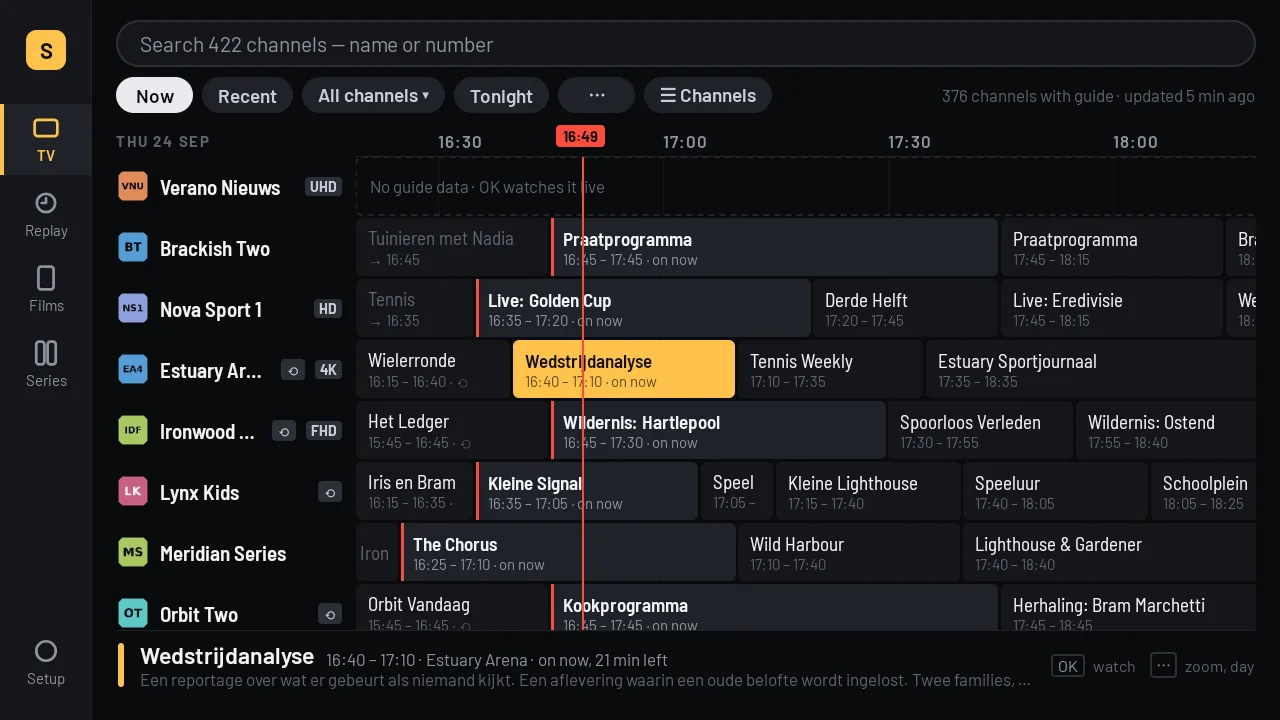
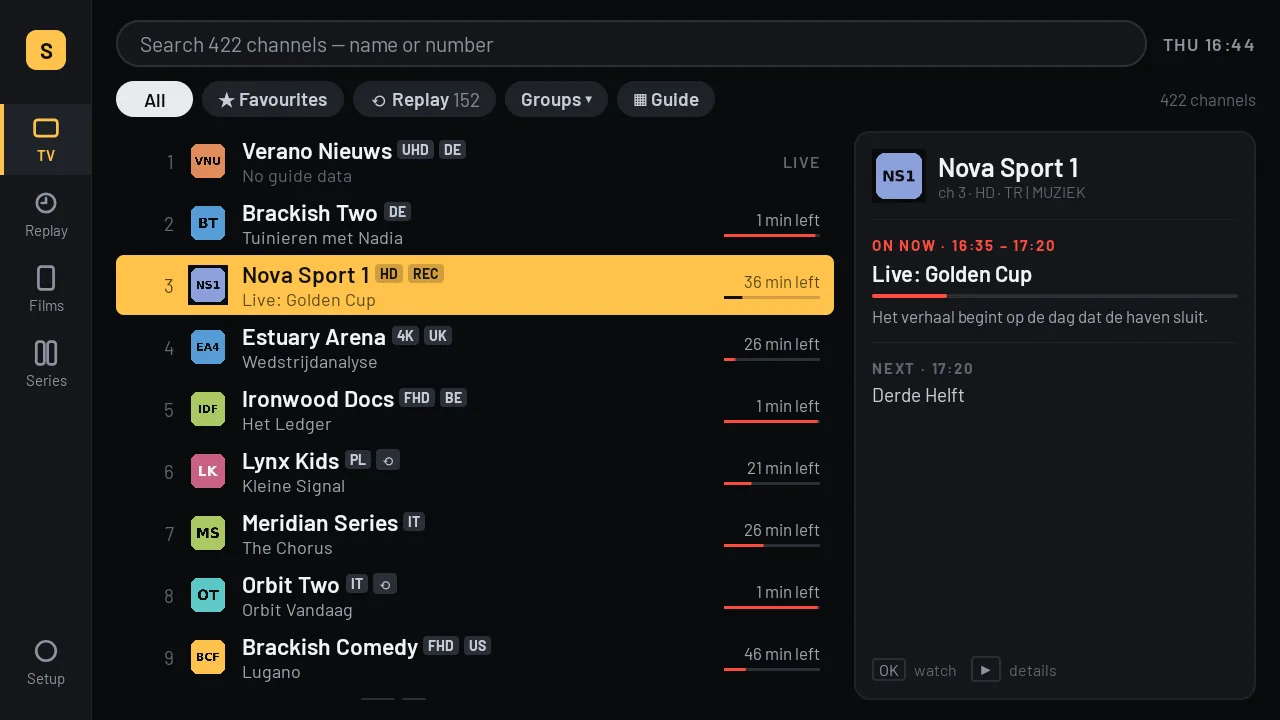
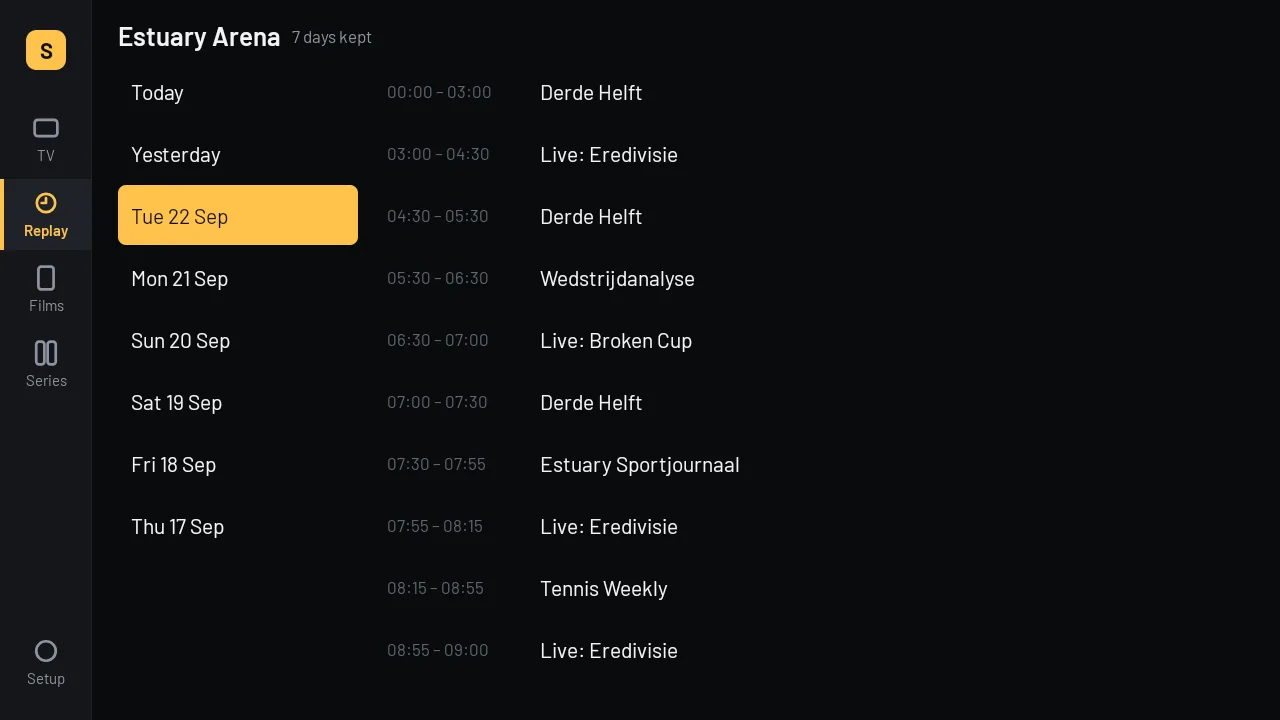
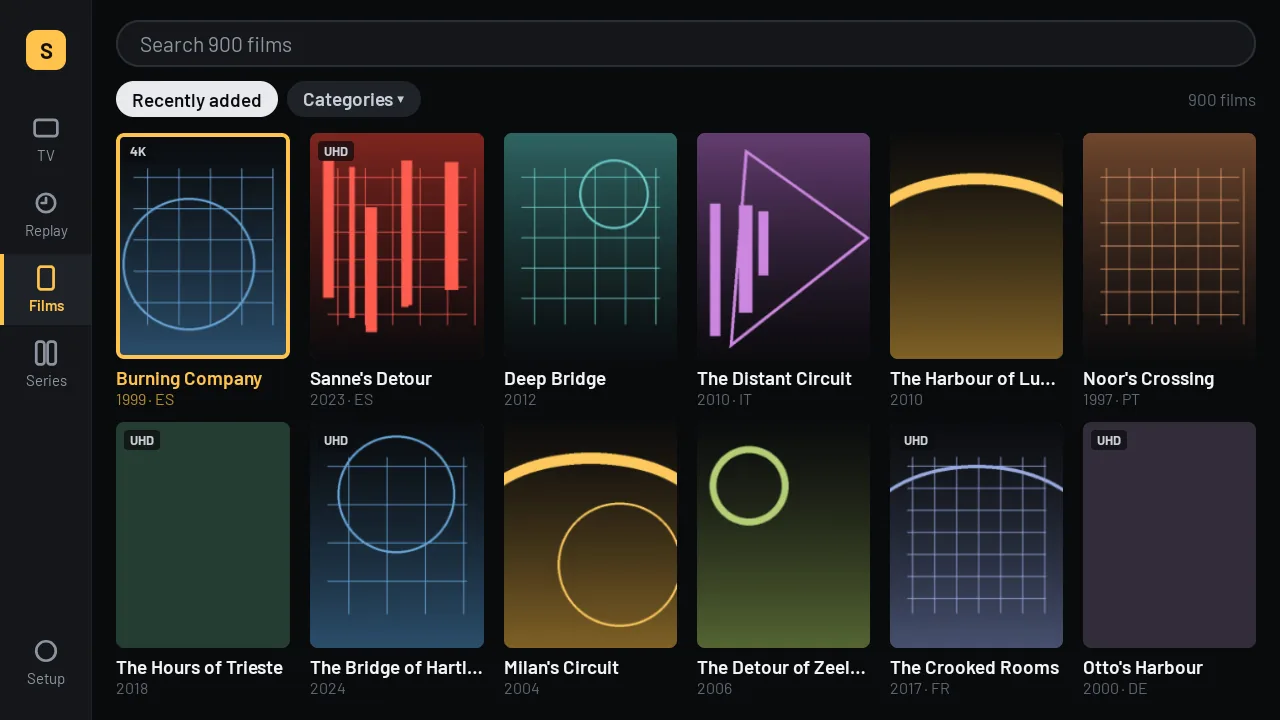
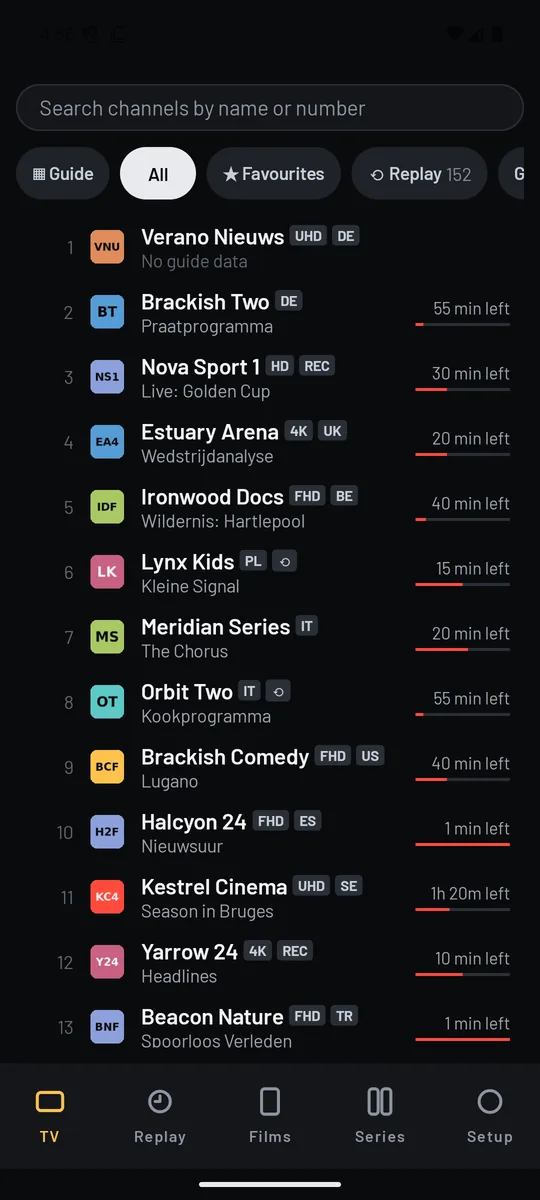
Built for the box, not scaled down to it
The hardware this was written for has four slow cores, about two gigabytes of memory shared with the system, and a remote control. Everything below exists because of that.
-
Everything works from the direction pad
Every screen can be reached and every control can be pressed with the four arrows and OK. Where you are is always visible, from across the room.
-
A big guide that does not eat the box
This provider's guide is a 67 MB file and its film catalogue is 48 MB. SanZap streams both into a local database rather than holding them in memory, so a box with 350 MB free can carry a week of listings.
-
Nothing blank while it works
A screen that is loading says what it is loading. A screen that can show its first rows early shows them instead of a spinner.
-
It rides out a bad line
Streams drop on this hardware. SanZap reconnects, keeps its place, and lets you set how much it buffers per channel rather than guessing for you.
-
Android 10 boxes included
Many of these boxes run a 32-bit Android 10 on 64-bit silicon and refuse a modern build outright. SanZap ships a 32-bit APK for exactly that reason.
Free, and Pro
Everything below is in the app on both tiers. The Pro features are visible and marked, not hidden — you can see what you would be paying for before you pay for it.
| Free | Pro | |
|---|---|---|
| Live TV, channel list, now and next | Yes | Yes |
| Films and series | Yes | Yes |
| Search, favourites, resume, history | Yes | Yes |
| The guide grid | Favourites, or one category at a time | The whole line-up |
| Watching back — a week of what has already aired | No | Yes |
| Subscriptions held at once | One | Five |
€7 a year, or €25 once.
Prices include VAT and are charged by our payment provider, who is the seller.
Pro bought here does not unlock the Google Play version
Google requires apps in its store to sell through Google Play, and does not permit them to be unlocked by a licence bought anywhere else. So the two are separate purchases: a licence from this page unlocks the app downloaded from this page, and a Google Play subscription unlocks the app installed from Google Play. Please buy the one that matches how you installed it.
How paying works, with a remote
Nobody types a card number with a direction pad. The television shows a code, you scan it with your phone, you pay on the phone, and the television unlocks by itself. It then keeps working offline: SanZap checks your licence on the device and does not need to reach us again for a year.
What you need
-
Android 10 or newer
An Android TV box, a Google TV device, an Android phone or tablet.
-
A remote with a direction pad, on a television
Touch works on a phone; nothing in the app requires it.
-
An IPTV subscription of your own
An Xtream login, or an M3U playlist with an XMLTV guide.